top of page

Carbon Wallet 使用指南

如何下載 Carbon Wallet?​​​​

步驟 1:前往你的 App Store

​

​

​

在手機上打開應用商店:

  • iPhone: 打開 App Store,搜尋「Carbon Wallet」或按下圖進入下載版面。

  • Android: 打開 Google Play 商店,搜尋「Carbon Wallet」或按下圖進入下載版面。

​​

​
​

步驟 2:下載並安裝

  1. 點擊 「取得」 或 「安裝」 按鈕。

  2. 等待應用程式下載完成,並顯示在你的主畫面。

carbon-wallet_logo-2-768x768_edited.jpg
download icon_edited.png

如何註冊 Carbon Wallet 帳戶?​​​​

打開應用程式,點擊 「註冊」/「登入」。

  1. 輸入你的手機號碼以取得驗證碼。

  2. 輸入驗證碼來驗證你的手機號碼。

  3. 填寫你的資料(姓名、性別、出生月份與年份)。

  4. 填寫電郵地址

  5. 設定密碼。

  6. 點擊 「註冊」。

How to register a new account_1.jpg
How to register a new account_2.jpg

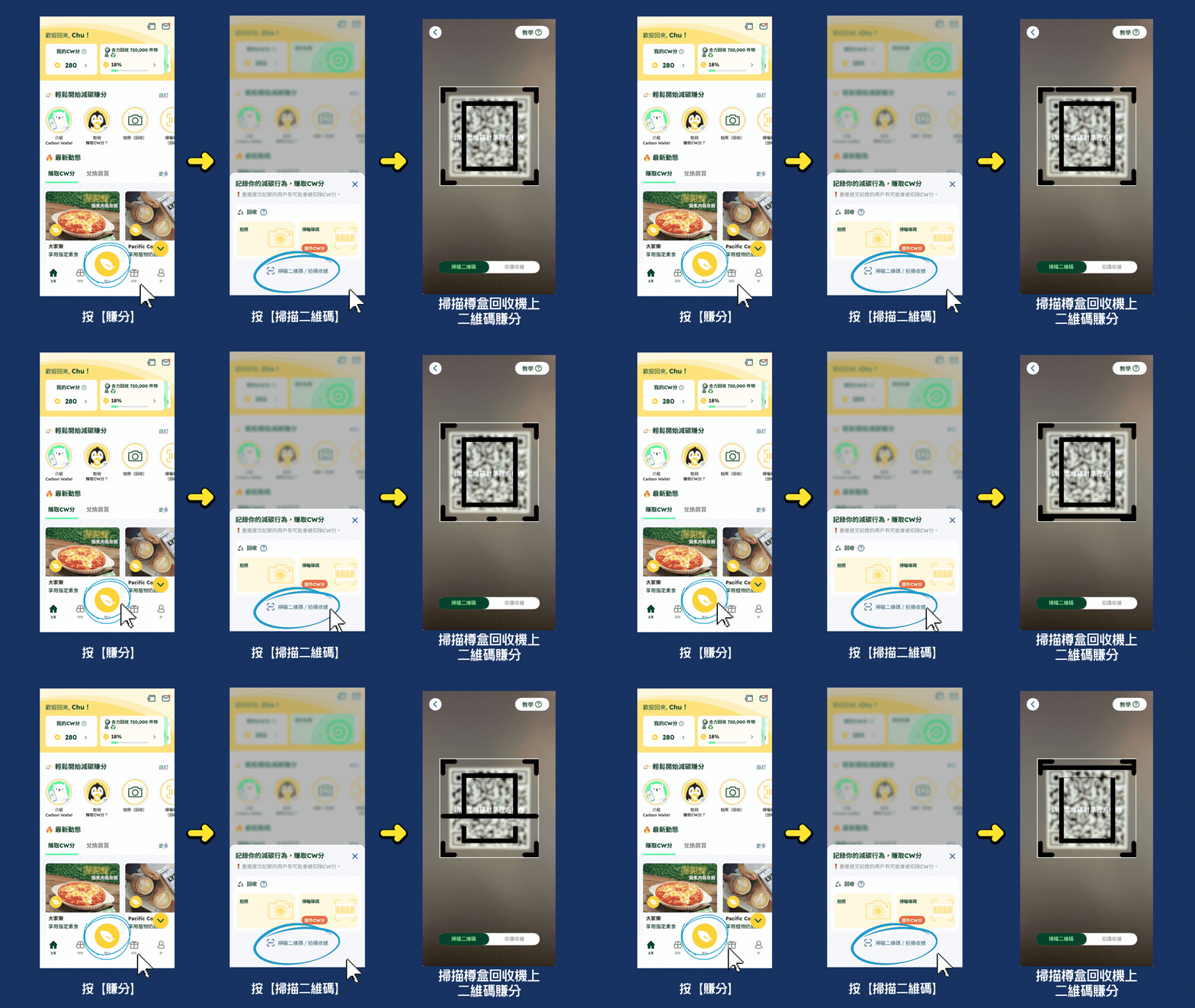
如何賺取 Carbon Wallet 分?​​​​

ECF & BEC User Guide GIF_chi.gif

如何兌換獎賞?

How to redeem other rewards_1.jpg

使用獎賞步驟:

獎賞類型一:以「二維碼、條碼或優惠碼」使用之優惠券

How to redeem other rewards_2.jpg

獎賞類型二:以「出示給員工」使用之優惠券

How to redeem other rewards_3.jpg

獎賞類型三:免費港鐵車程

How to redeem Free MTR Rides_2.jpg

香港荔枝角荔枝角道838號勵豐中心2樓202室

+852 3643 1618​

星期一至五 上午9時 - 下午6時

  • LinkedIn

多謝查詢!

© 2026 歐綠保智匯循環有限公司

bottom of page